Where you'll see it
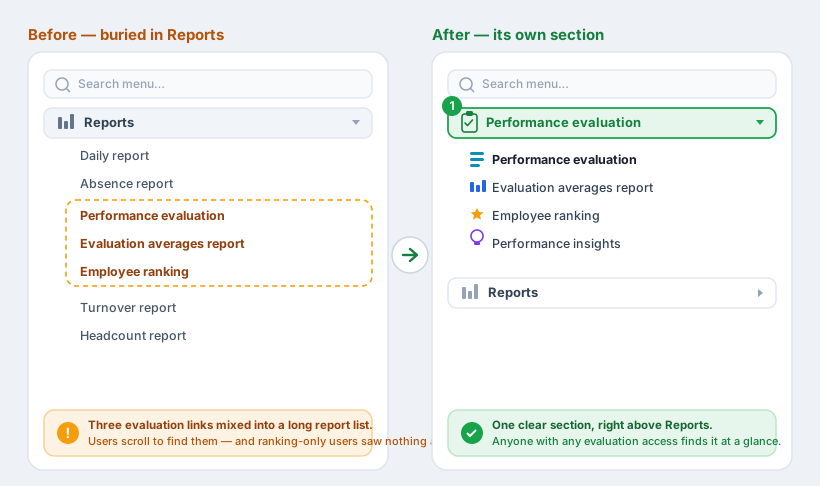
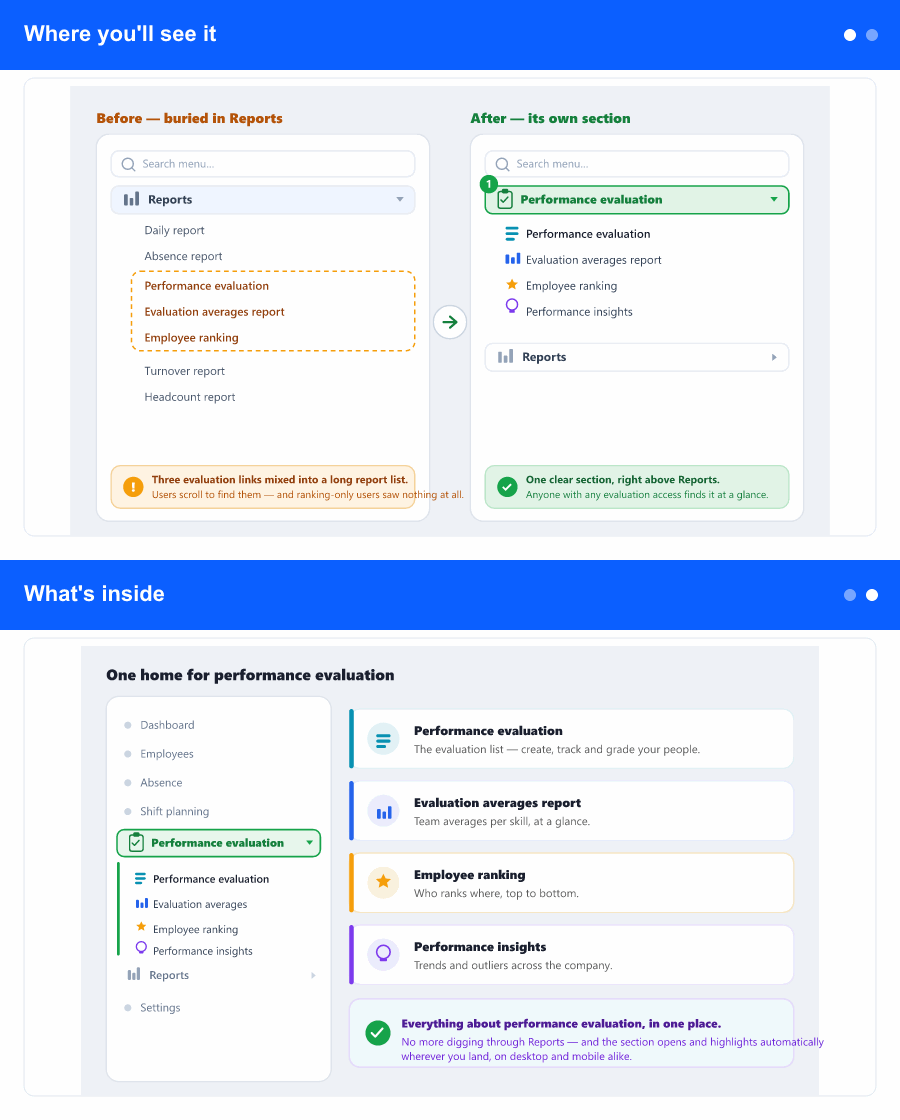
In the left menu there is now a top-level section called Performance evaluation, sitting right above the Reports (or HR reports) section you already use. The evaluation links that used to live inside Reports have moved here—nothing was removed and no address changed, so any bookmarks and links you already have keep working.
The section opens to show its links, and it highlights itself automatically whenever you are on one of those screens—so you always know where you are. It behaves the same on a narrow (collapsed) menu and on mobile, and you can still find each link through the menu search.
What's inside
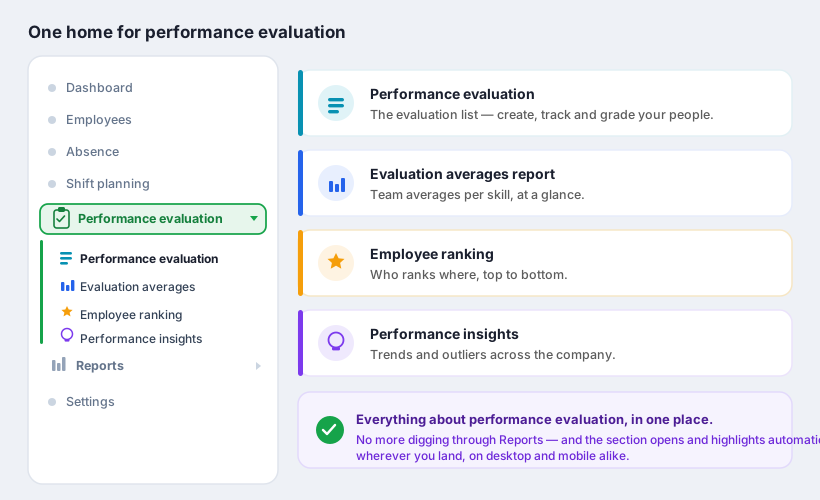
The new section gathers the evaluation links in a natural order:
- Performance evaluation — the evaluation list, where you create, track and grade.
- Performance Evaluation Averages Report — team averages per skill, at a glance.
- Employee ranking — who ranks where, top to bottom.
- Performance insights — trends and outliers across the company.
Skills setup stays where it is, under Settings—only the evaluation views moved.
Why it helps
Grouping the evaluation screens in one section makes them faster to find and removes the guesswork of remembering which report menu a given screen was under. It also fixes a rough edge: previously, someone whose access was limited to the employee ranking could end up seeing no link at all. Now, anyone with access to any of these screens sees the section with exactly the links they are allowed to open—no more, no less.
The Reports section, in turn, gets shorter and more focused on the reports that truly belong there.