Where you’ll see it
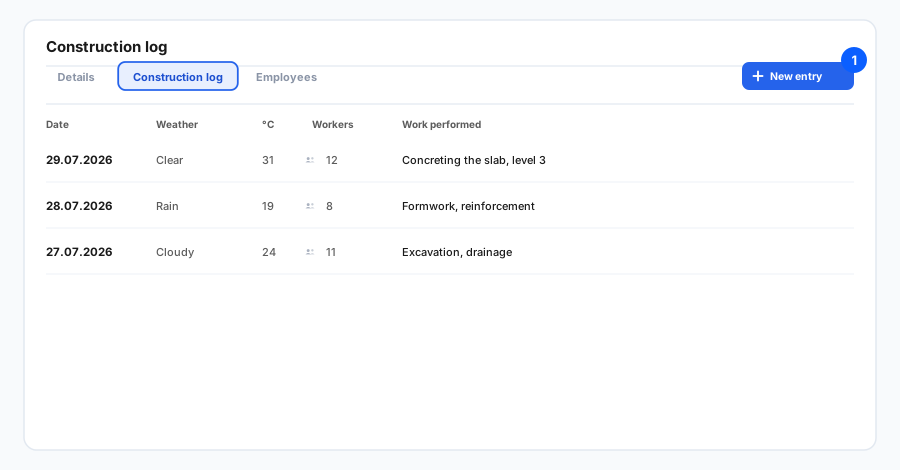
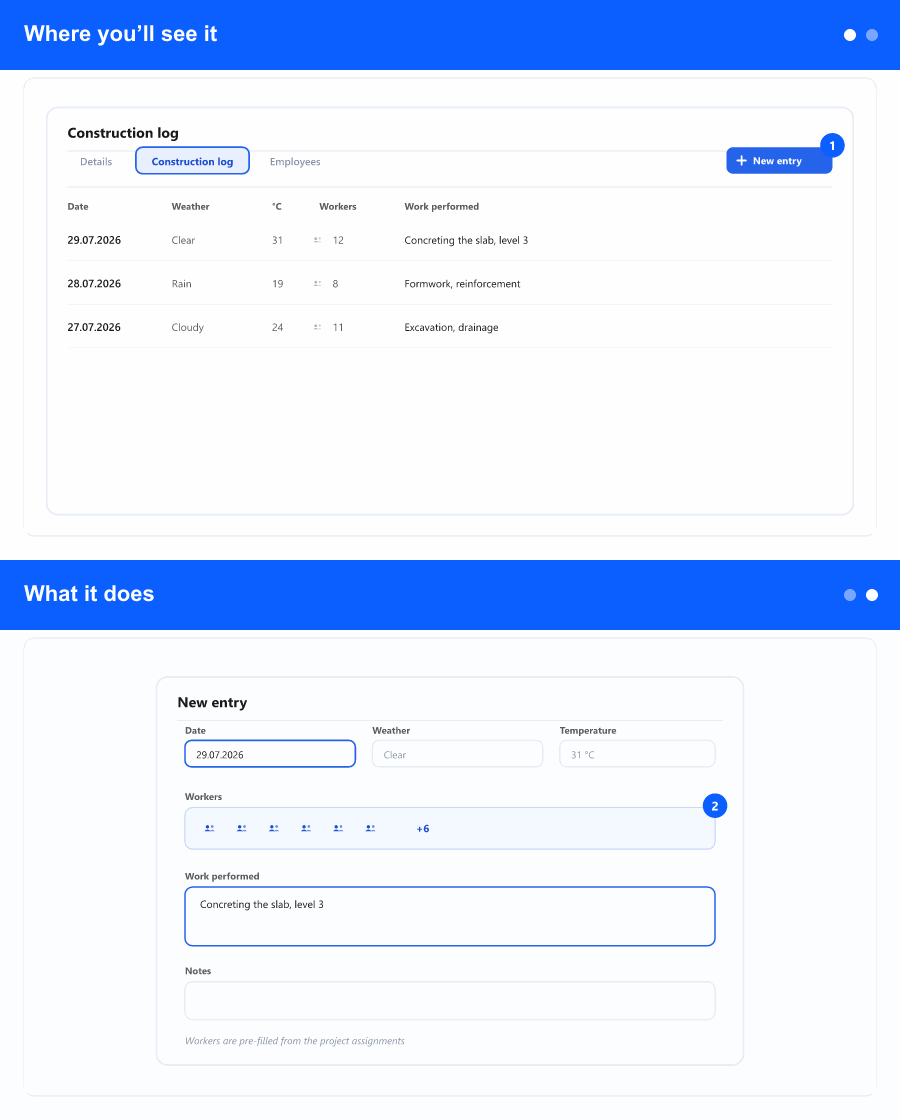
Open a project and go to the Construction log tab. The tab shows a list of daily entries for that project, with one entry per day.
What it does
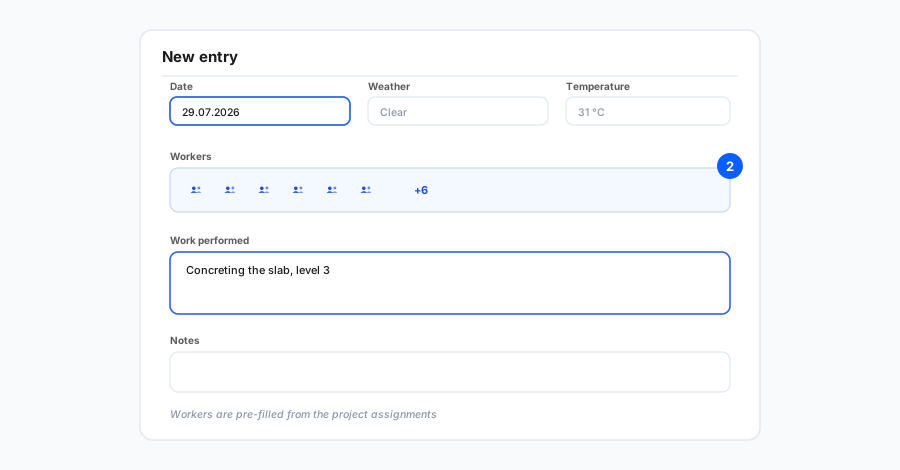
Each entry records a single day on site: the date, the weather and temperature, the number of workers, the work performed, and any notes. The worker count is pre-filled from the people assigned to the project for that day, so the most common value is already there — adjust it whenever reality differs.
As the log grows, you stay in control of it: sort by any column, search across the text fields (weather, work performed, notes), and filter by a date range to focus on a specific period. A small counter shows how many entries match. When you’re ready, Export PDF produces a document of exactly what you’re looking at — the same search and date filters apply — so you can hand a clean, focused record to supervision, an investor, or your own archive.
Why it helps
A construction site generates decisions and events every day, and weeks later someone always asks what happened on a given date. A consistent daily log keeps that evidence in one place per project, makes it quick to find, and turns it into a shareable PDF without manual collation. Management gets oversight across projects, supervision and investors get a tidy record, and the site team spends less time keeping notes in scattered places.
Step-by-step: see Instructions: Construction daily log.