Where you’ll see it
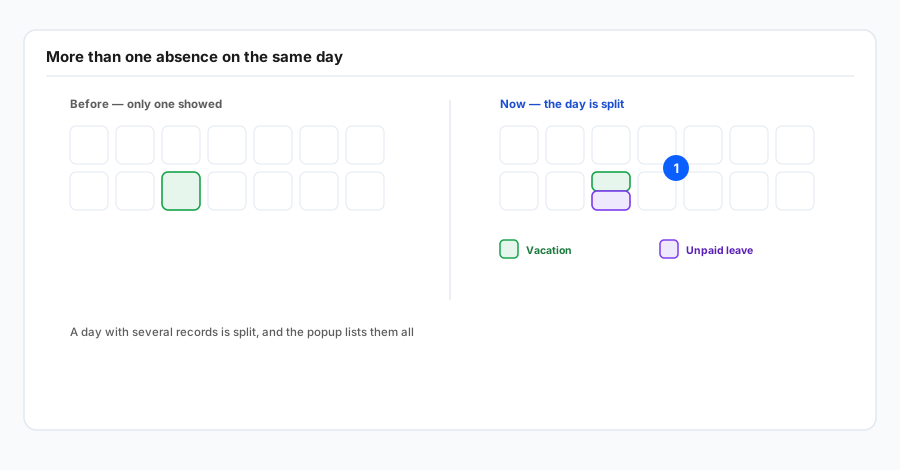
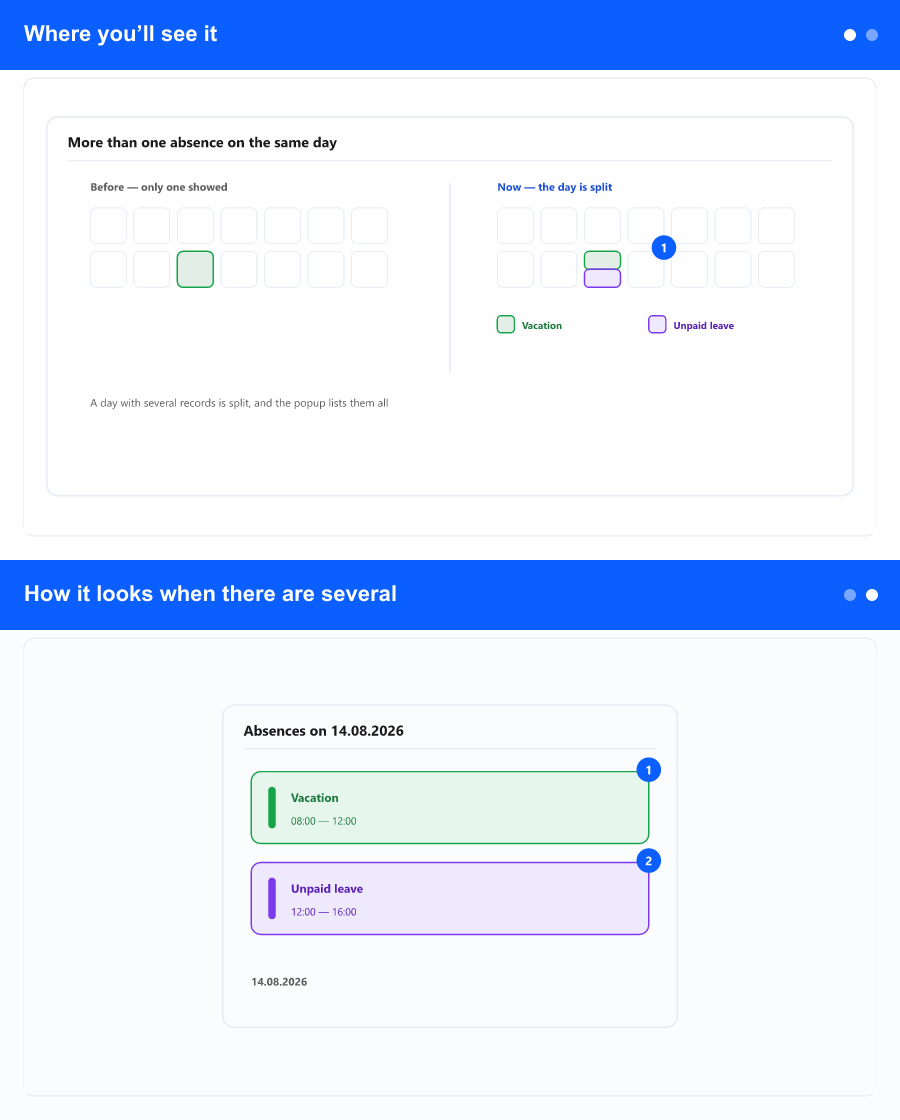
The same place as the other absence improvements on the employee profile: the absence screen with the year calendar (months in rows, days in cells). It is the fast whole-year overview, not the single request form.
How it looks when there are several
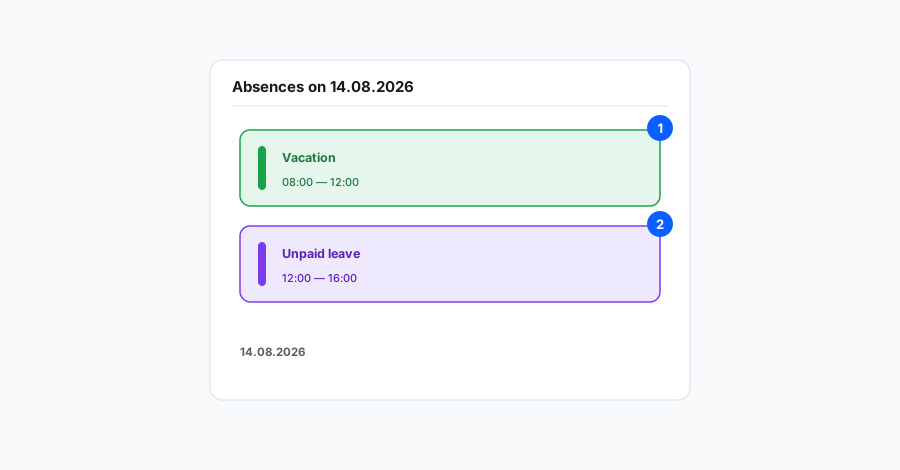
Typical cases are different types on the same day (for example one absence in the morning and another in the afternoon), adjusted or supplementary records that leave more than one active row on the same date, or overlapping requests in the approval flow before you tidy them up. Instead of hiding one entry and showing only the other, the cell for that day can show split or blended colours that match the absence types in the legend.
When you hover the day or open the short detail the app provides for that cell, you see everything that applies that day—each line, type, and status. That detail is the source of truth; the cell pattern is a summary so you do not have to open every record separately.
If the same day has both pending and approved absence, the yellow cue for pending (described in a separate article) can appear alongside the type colour for approved leave—so it is clear the day is not a simple “single type” case.
Why it helps
Without this kind of display it is easy to assume only one absence exists on a day when there are several, which affects shift planning, cover, and team communication. HR and managers get a truer picture on the screen they already use; fewer surprises downstream and less manual checking behind the scenes.