Where you'll see it
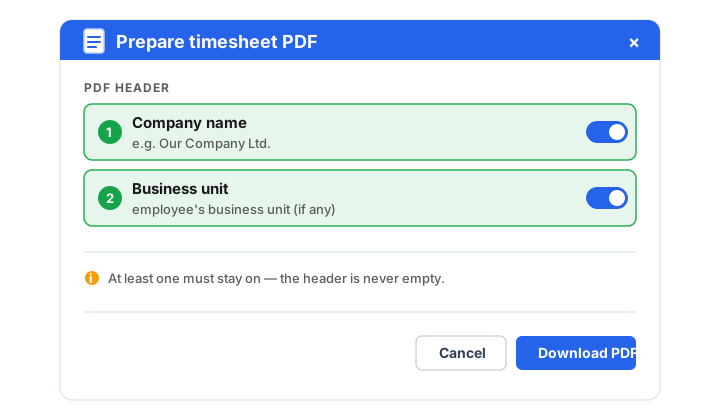
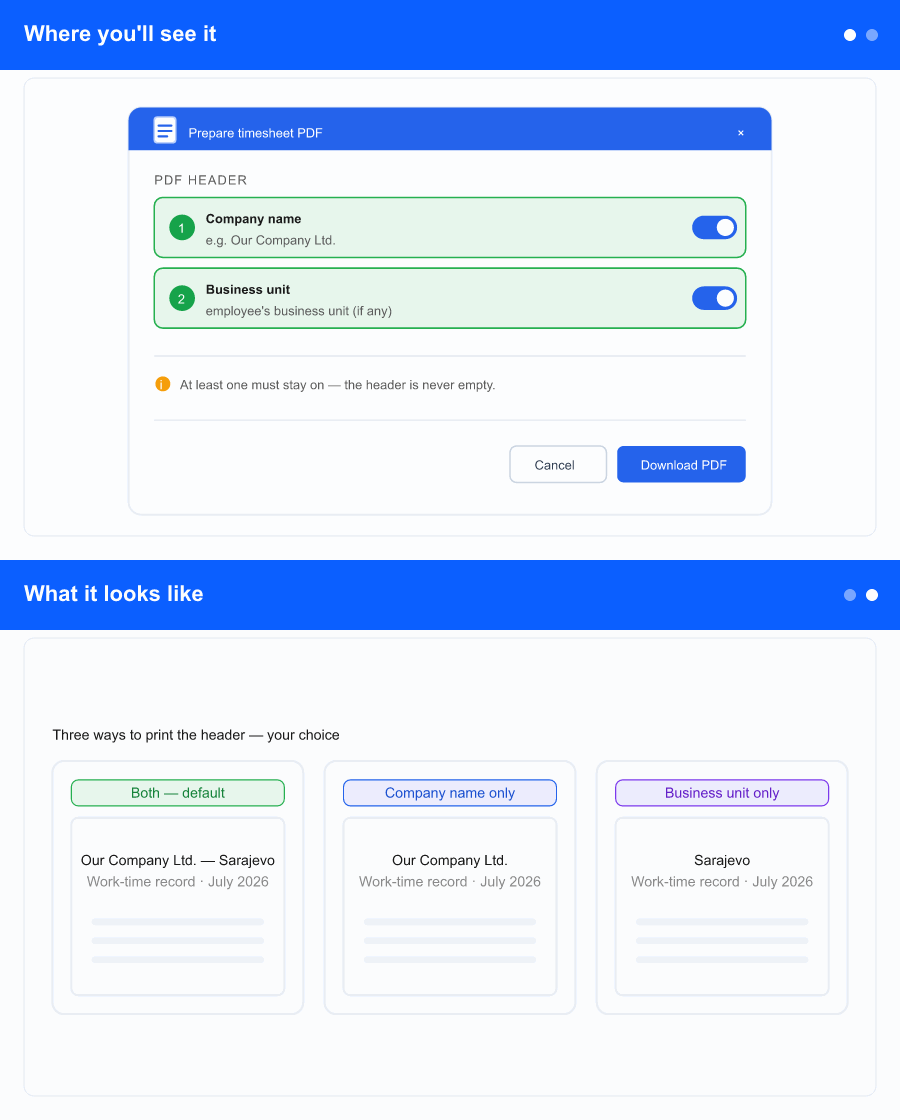
On the detailed timesheet screen, when you generate or preview the PDF, the popup now leads with a PDF header section holding two switches:
- Company name — your company's name.
- Business unit — the employee's business unit, when one is assigned.
Both are on by default, so if you change nothing the header looks exactly as it does today. Turn one off to keep only the other. You can't turn off both—at least one stays on so the header is never blank.
What it looks like
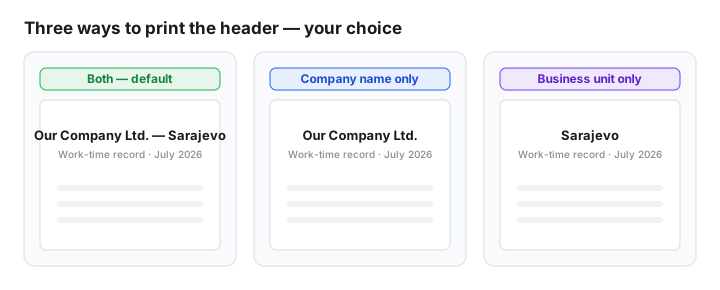
With both on, the header reads company name — business unit (exactly as before). Keep only the company name, or only the business unit, and the header shows just that. Everything else on the timesheet—employee details, columns and hours—is unchanged. Print a single employee or select several and print them all at once: the same choice applies to every page in the batch.
Why it helps the business
Records go to different places. An audit file or archive often wants the full company and business unit together; a location-specific folder may only need the business unit; a simple company-level copy may only need the company name. Until now the header always printed both, with no way to adjust it.
Now you decide in the same popup you already use, set it once, and it applies to the whole batch—so each printout carries exactly the identification it needs, and nothing it doesn't.