Where you’ll see it
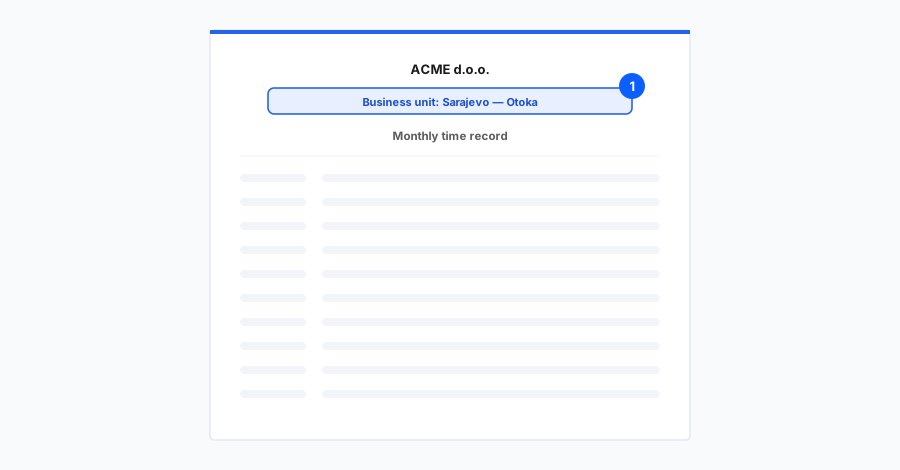
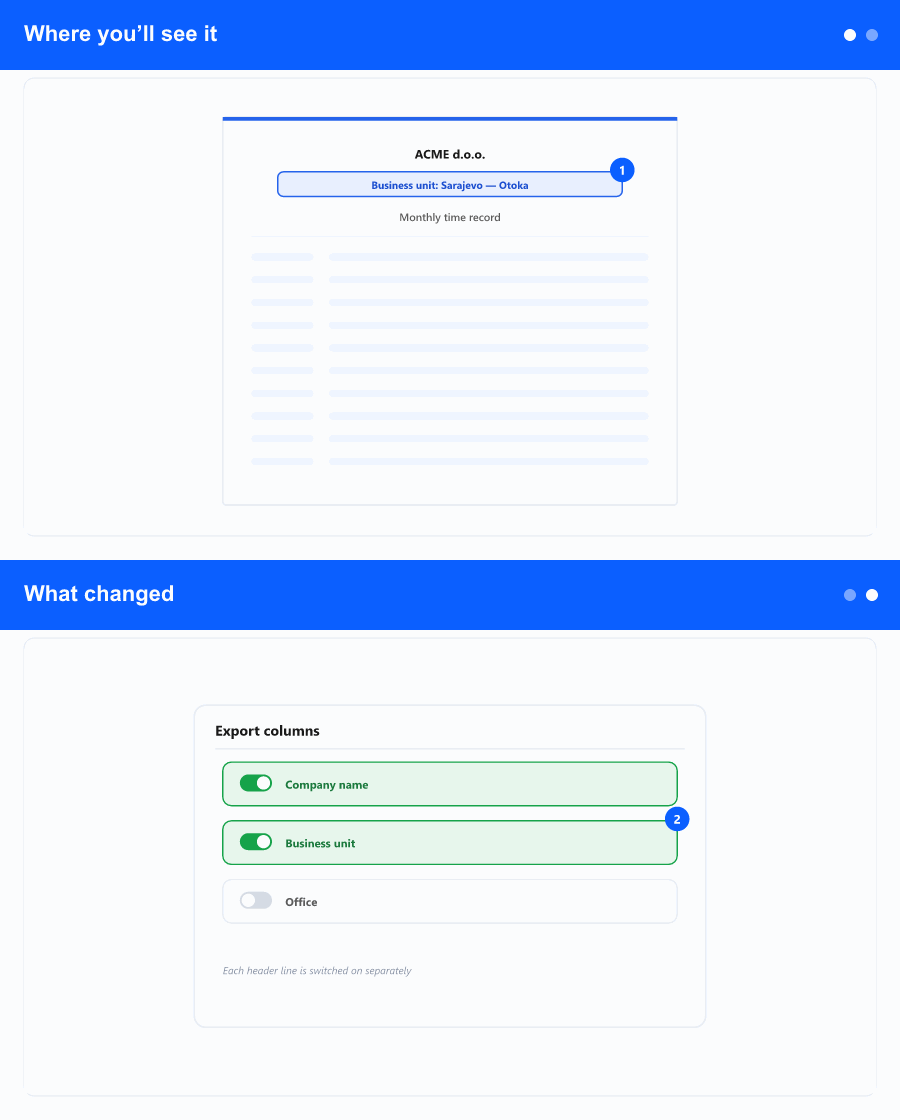
On the detailed timesheet when you generate its PDF—both for a single employee and for a group of employees at once. In the header of each employee’s page, next to the company name, the assigned business unit now appears.
Example: instead of just Company Ltd., the header reads Company Ltd. — Sarajevo branch.
What changed
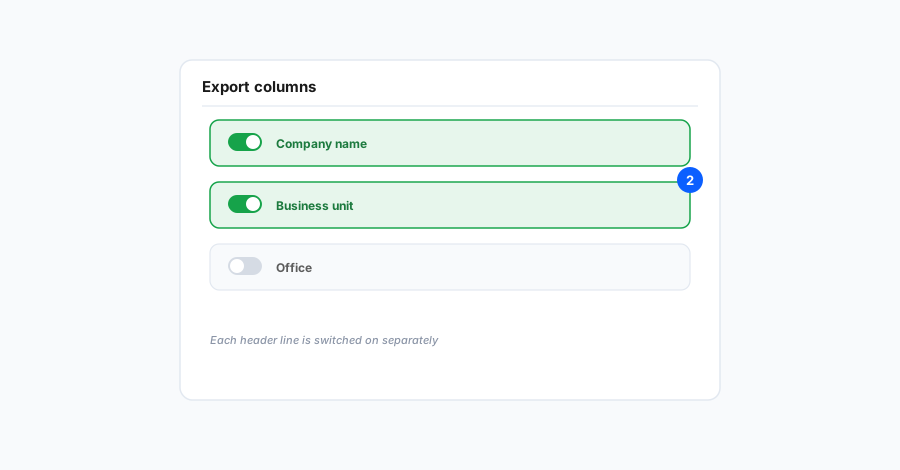
- If the employee has a business unit assigned, its name is shown beside the company name.
- If the employee has no business unit, only the company name is shown—exactly as before.
Why it helps the business
Organisations that operate through several business units (branches, locations, organisational parts) often need the work-time record to state, on the document itself, which unit an employee belongs to. Having it on the printout makes the records clearer for archiving, audits, and internal review, with no extra step for the person preparing them.
The business unit comes from each employee’s assignment; employees without an assigned unit print with the company name only. The rest of the timesheet (names, columns, hours, signatures) is unchanged.