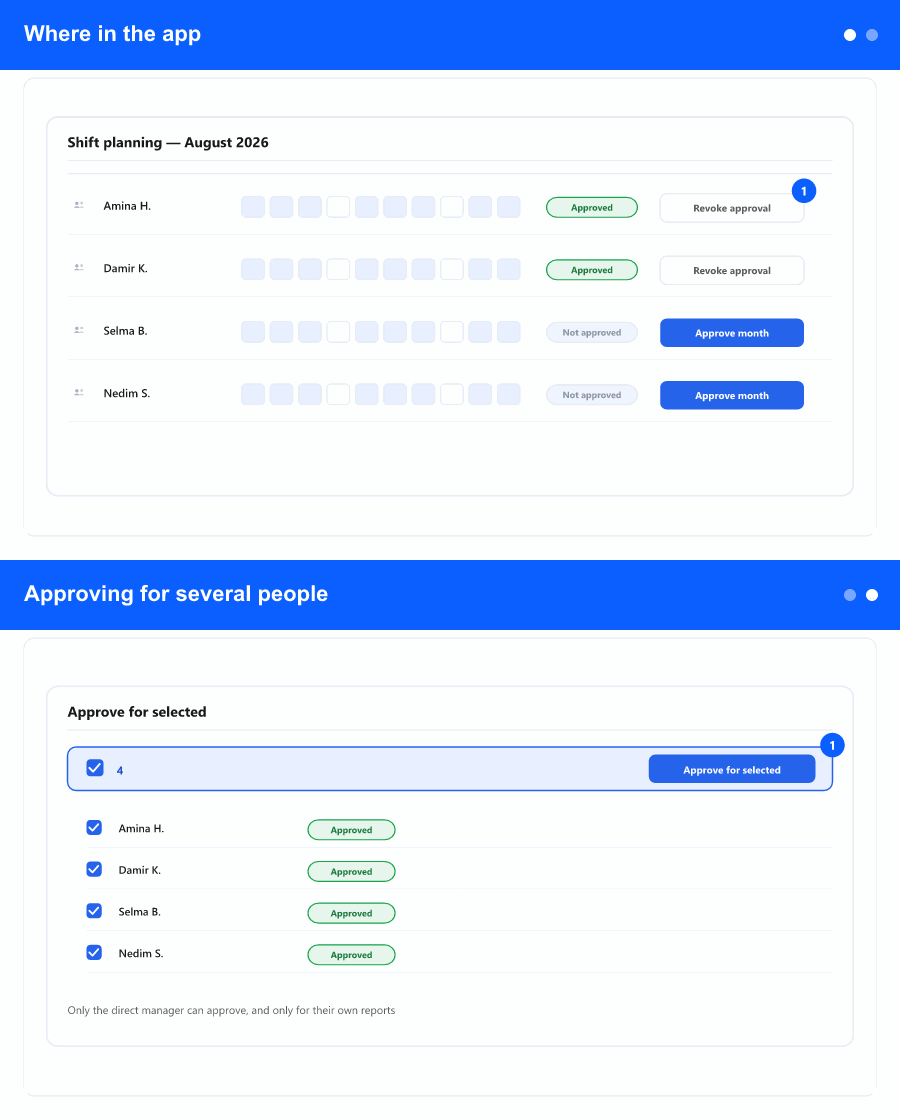
For each calendar month, the system can record that a shift schedule was not only captured in HR101, but explicitly approved by the employee’s direct manager (as defined by the manager field / line structure in your directory). That creates a simple rule everyone downstream can rely on: validation sits with the manager who owns that team member—not with a distant central department trying to infer whether the grid was correct.
Where in the app
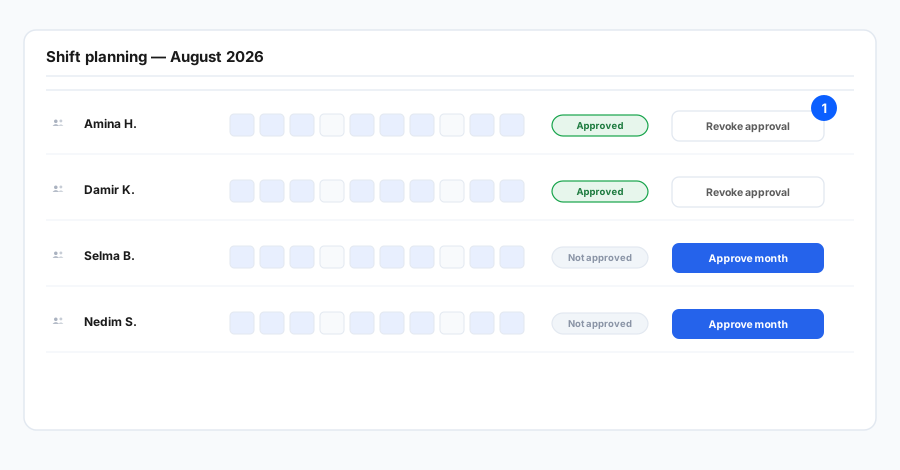
Payroll teams, workforce planners, and people who lock days or timesheets get a cleaner chain of evidence before they treat data as final. Approvals are month-scoped; there is one active approval per employee per month. Only the direct manager can approve or revoke for their reports; if you select people you do not manage in bulk, the dialog explains who will be skipped and why.
Approving for several people
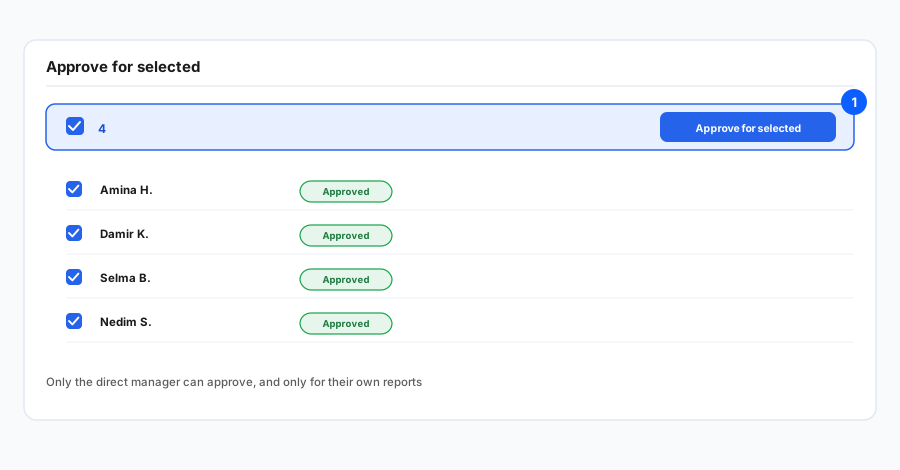
You can approve or revoke for one person or many, using the same monthly Shift planning view. A comment on the confirmation dialog is optional. The product keeps an audit trail of actions for transparency.