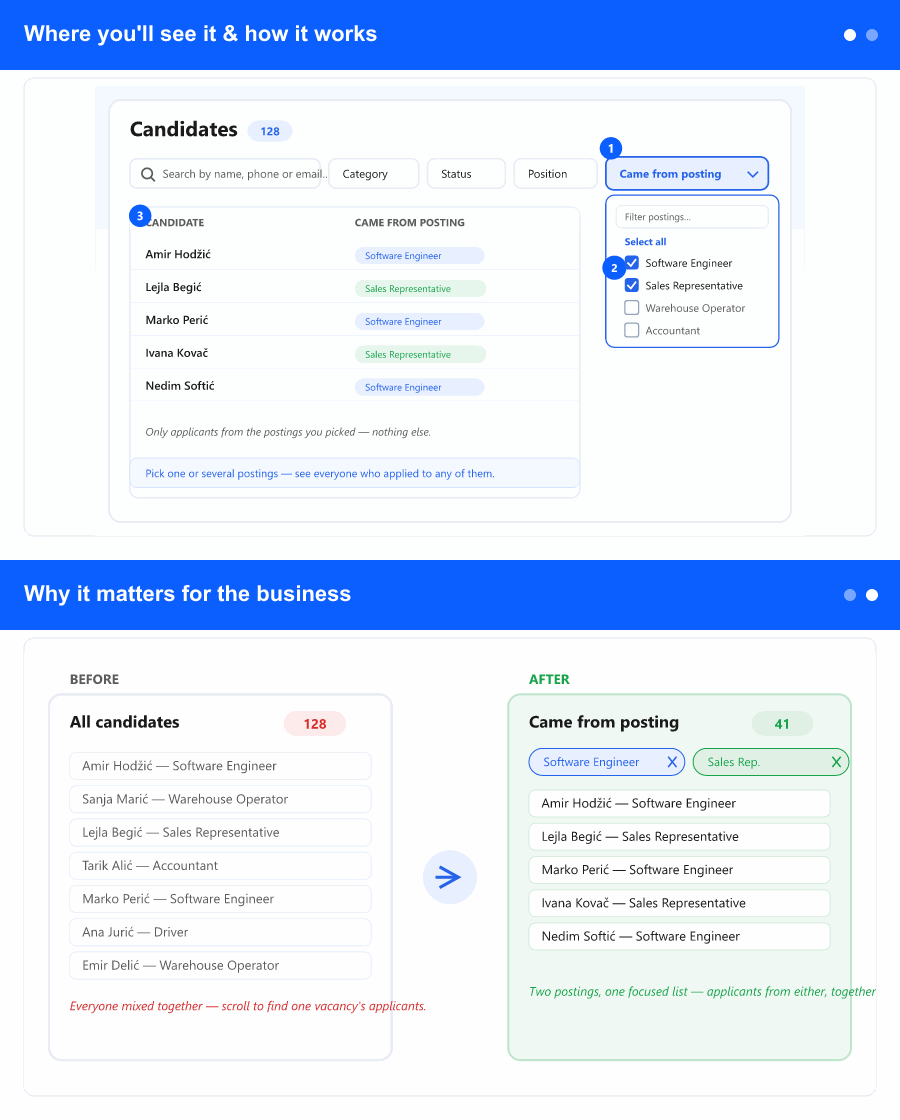
Where you'll see it & how it works
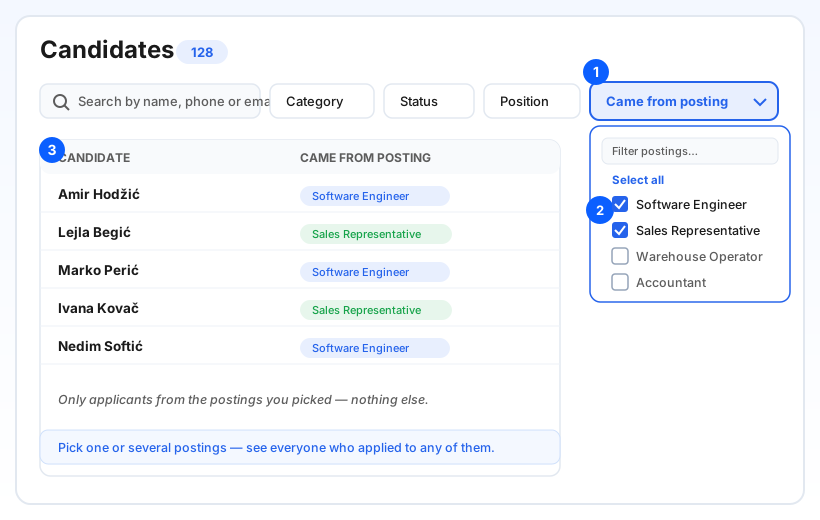
The filter lives on the Candidates screen (in the ATS area), on the same filter row you already use—right next to the Position filter. Open the Came from posting dropdown, tick one or more job postings from the checklist, and the list immediately shows only the candidates who applied through them. You can type to find a posting, use Select all, and see each choice as a removable chip above the list.
It works together with your other filters: combine it with name search, category, status, or position and the list narrows to candidates who match everything. It is a separate filter from the existing "HR recommendations for posting" option, which stays exactly as before.
Why it matters for the business
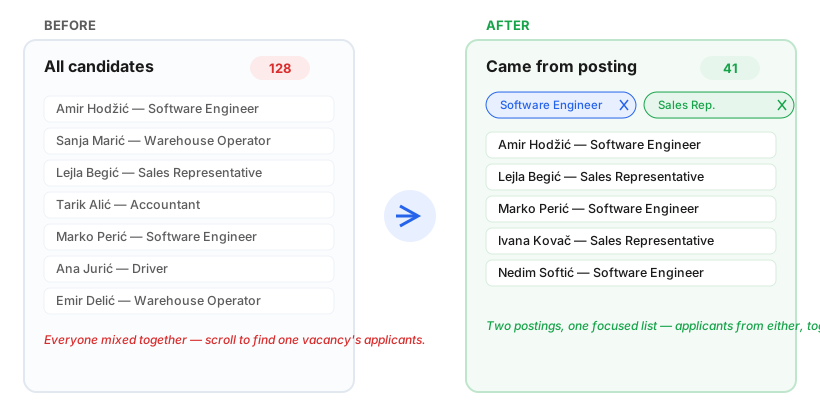
A recruiter running several openings usually cares about one vacancy at a time. Until now the candidate list mixed everyone together, so isolating a single posting's applicants meant scrolling or exporting to slice the data elsewhere—slower, and easy to review the wrong people.
Selecting multiple postings brings back everyone who applied to any of them (a combined pool), which is exactly right when you are staffing similar roles or a campaign across a few ads. Fewer clicks to the shortlist, less noise, and a view that matches how you actually hire.